It took me a bit to get this one done. 2025 started out busy, but I finally have some time to crunch the numbers. I don’t think more than three people read these year in photos posts, but I like to have them for myself to look back on. I skipped the 52 Portraits project... Continue Reading →
MacOS Big Sur, Photoshop, and Lightroom Classic
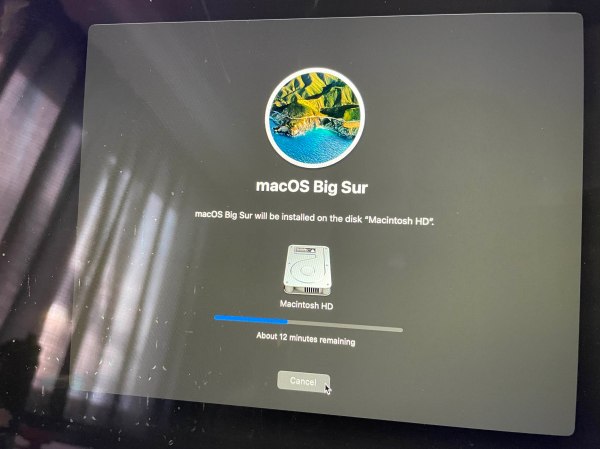
Like a lot of other people, I had issues downloading and installing Big Sur at first. Definitely not the kind of glitch you want to have happen when you release a new operating system, but Apple seemed to get it fixed quickly enough. Once I got it downloaded, I created a bootable external USB SSD... Continue Reading →
2018 in Photos
UPDATE 9/2019: The move from Squarespace to WordPress broke a few things. In this particular instance, the pretty graphs that Squarespace provides. I'm working on a solution, but until then, this post will not make a lot of sense. 🙂 It's that time of year again. Time to get geeky with the numbers from 2018.... Continue Reading →
Lightroom Mobile iOS Update – with RAW support
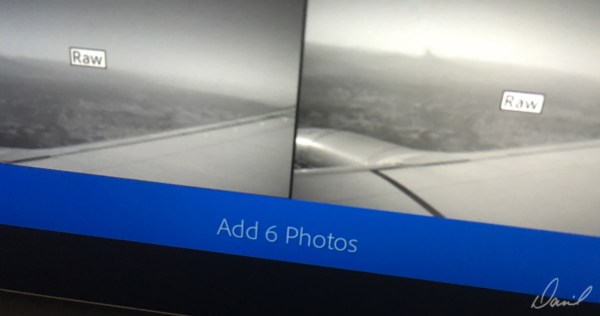
When Adobe first released Lightroom Mobile back in 2014, I wrote that it was a game changer. My only complaint was that the iOS version of Lightroom couldn't directly import RAW files. RAW images imported on the computer would sync to LR Mobile, so it was semi-useful for culling on the iPad while not at my desk, but what I really wanted was a complete mobile solution. The most recent iOS Lightroom Mobile update gave us that solution.
How Lightroom Mobile changed my workflow
I was initially disappointed in Lightroom Mobile. What I really thought I wanted was a tool I could use to import RAW images from the SD card reader on my iPad that would then sync to my computer.—even if that sync had to be done over USB. Maybe that functionality will be added in a... Continue Reading →
Lightroom : Save time with metadata presets
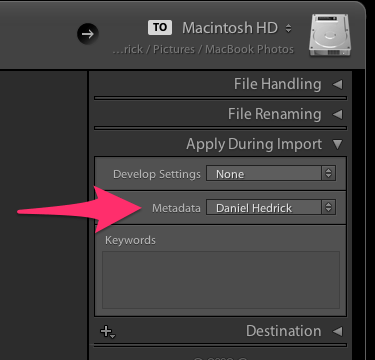
When importing, use a Metadata preset to quickly add your copyright and creator (or any other) information to all imported photos.
Adobe Lightroom Mobile
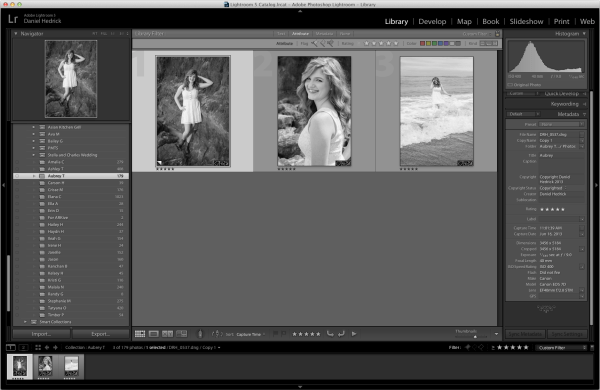
Lightroom Mobile is a Game Changer When I opened Lightroom today, I got a message about an update. It mentioned something about Lightroom Mobile, so I was instantly curious. Signing into my Adobe account in Lightroom After installing the update, I was prompted to sign in with my Adobe ID, and to download the iPad... Continue Reading →
Evernote Conference and Top Ten List – Part Three
In the last two posts, I listed ten ways Evernote helps me stay organized in my personal and professional life. This post centers around freelance photography, and how Evernote keeps me sane. Part III: Photography Clipping tutorials, pose/style ideas, lighting diagrams and more I'm constantly surfing the web looking for inspiration, ideas, and tutorials. Whenever... Continue Reading →